Meanderlust
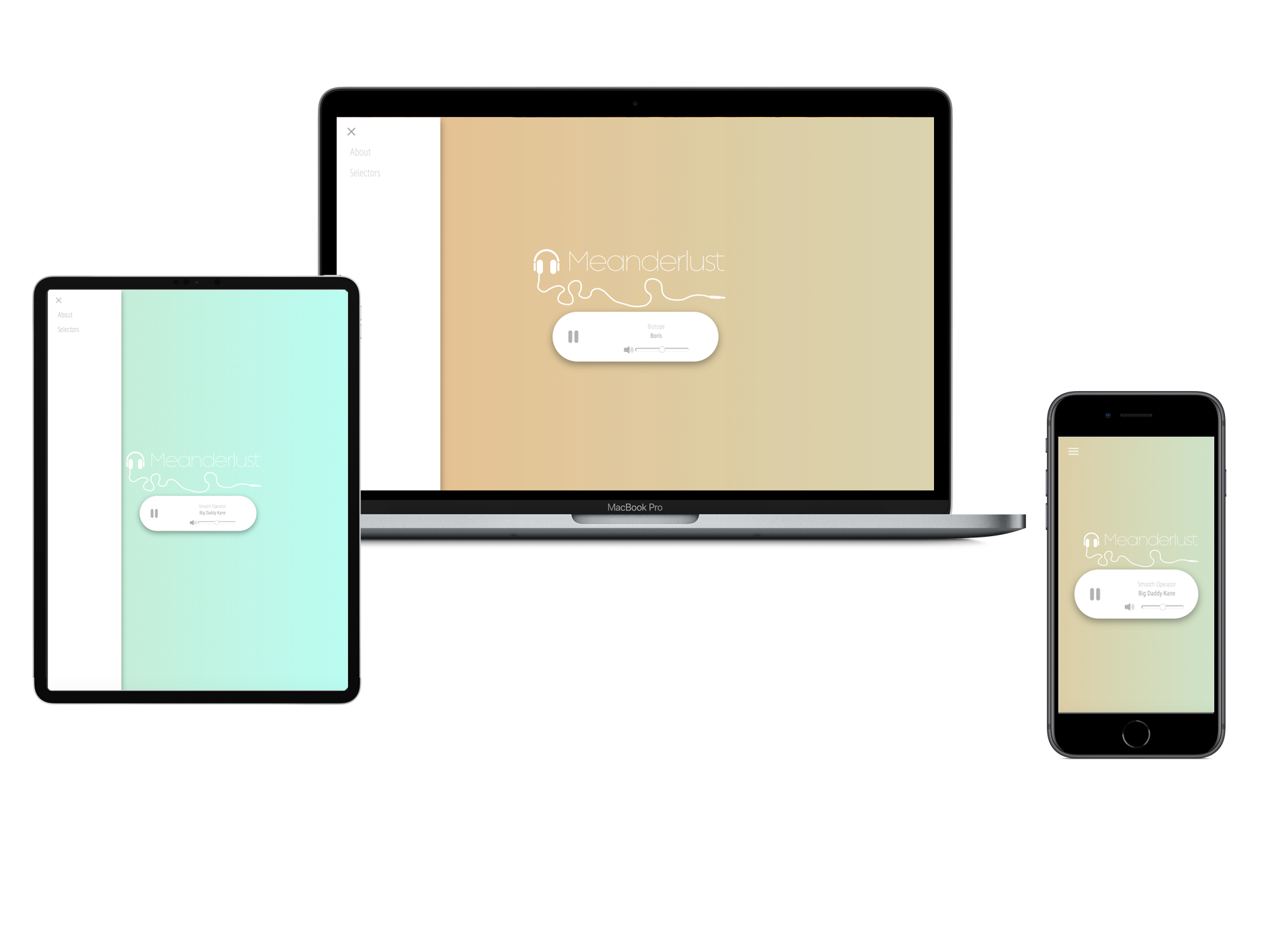
Another project I picked up whilst living in Spain with a talented friend who became an invaluable source of guidance whilst I was learning to code. After meeting and discovering a shared interest in coding and music, Rafa approached me with a an internet radio project he was working on, for which I was more than happy to design the web interface.
Design

I wanted to keep the design of the site minimal and created a simple media player in CSS, adding icons for the play button and volume control which were made in Adobe Illustrator. This was set to a backdrop of an animated CSS gradient which evokes images of water and sky.
The next job was to come up with a name. We wanted a name that reflected the diverse variety of music that would be played with both of us having quite broad, eclectic tastes in music. We settled on Meanderlust, a take on the term wanderlust which was chosen to suggest an aimless and winding journey through a mix of musical genres, much like the seemingly aimless winding meanders of a river which carry the water through many changes in direction. This was in the inspiration behind the logo, in which the cable attached to the headphones curves and bends, mimicking the meanders of a river.
Development
The Audio Player
Doing away with the default media player, the controls on the html audio tag were hidden, and a new one designed using css.
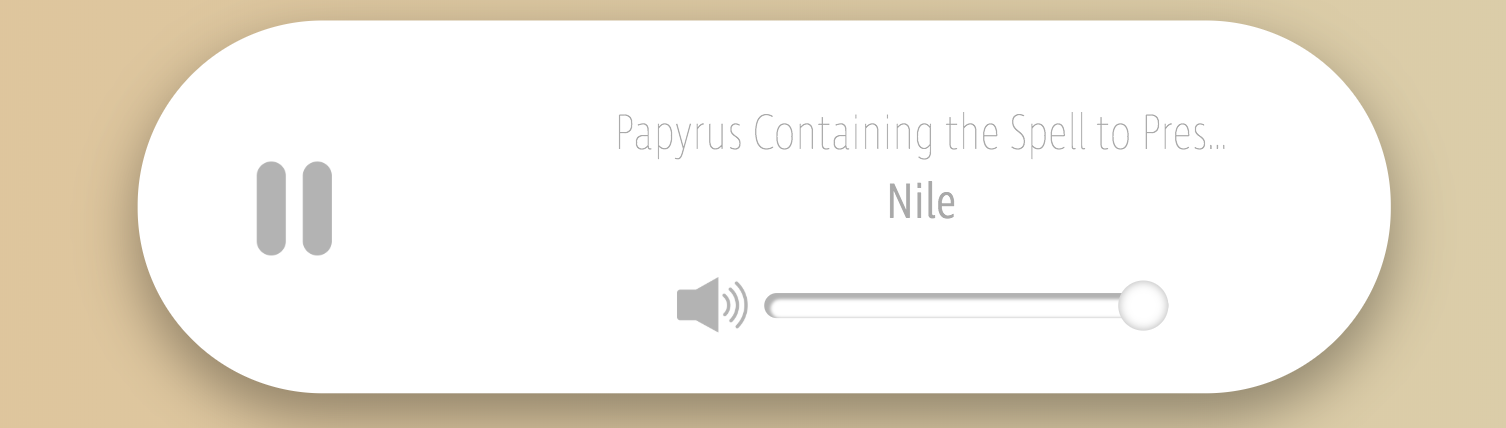
A range slider was added and styled for the volume which also triggers the volume icon image to change based on the value.



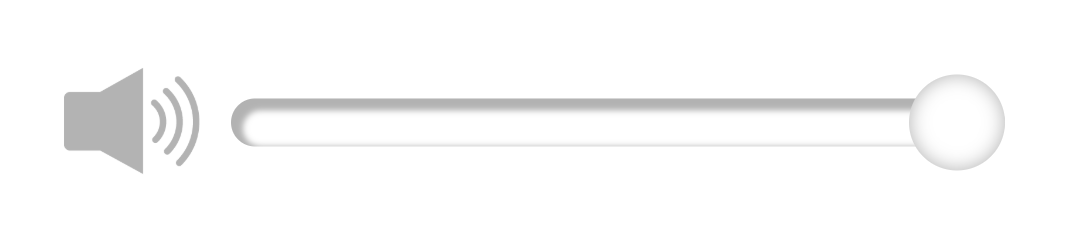
A play button was added which plays and pauses the music and naturally the image was designed to alter between play or pause depending on the status of the audio file.
Additional Features
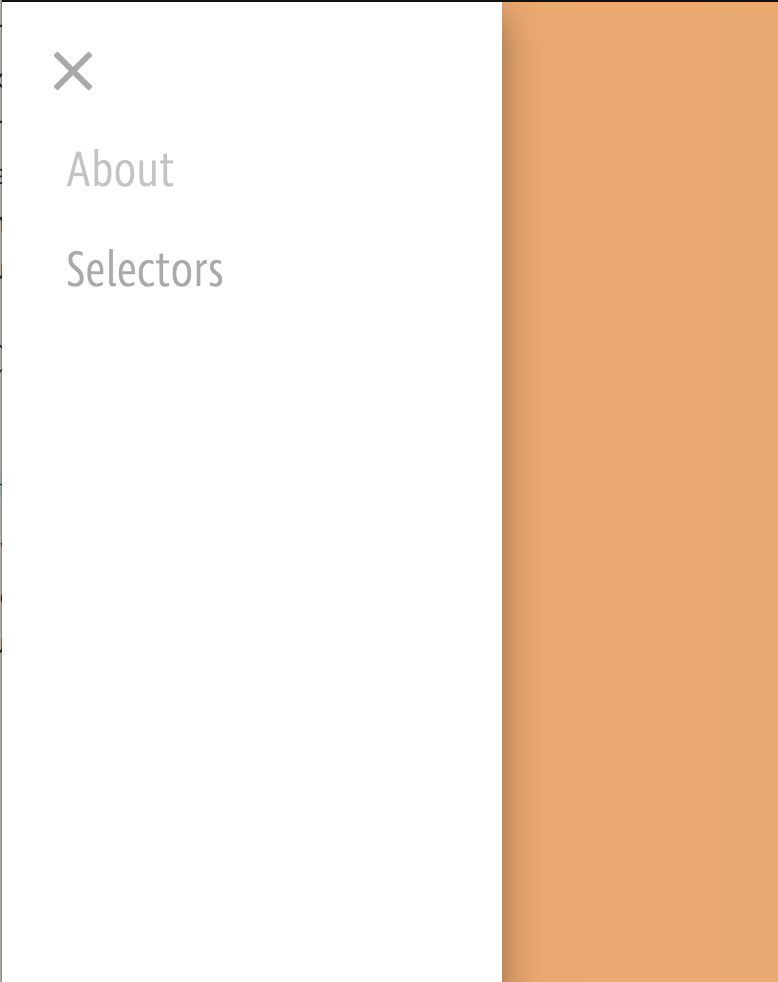
A hamburger button was added which opens a side navigation bar. The radio station was designed as a one-page site so that the music would not be turned off upon opening any other part of the site. For this to work, the about section and section containing information about the creators were added as overlays using javascript.
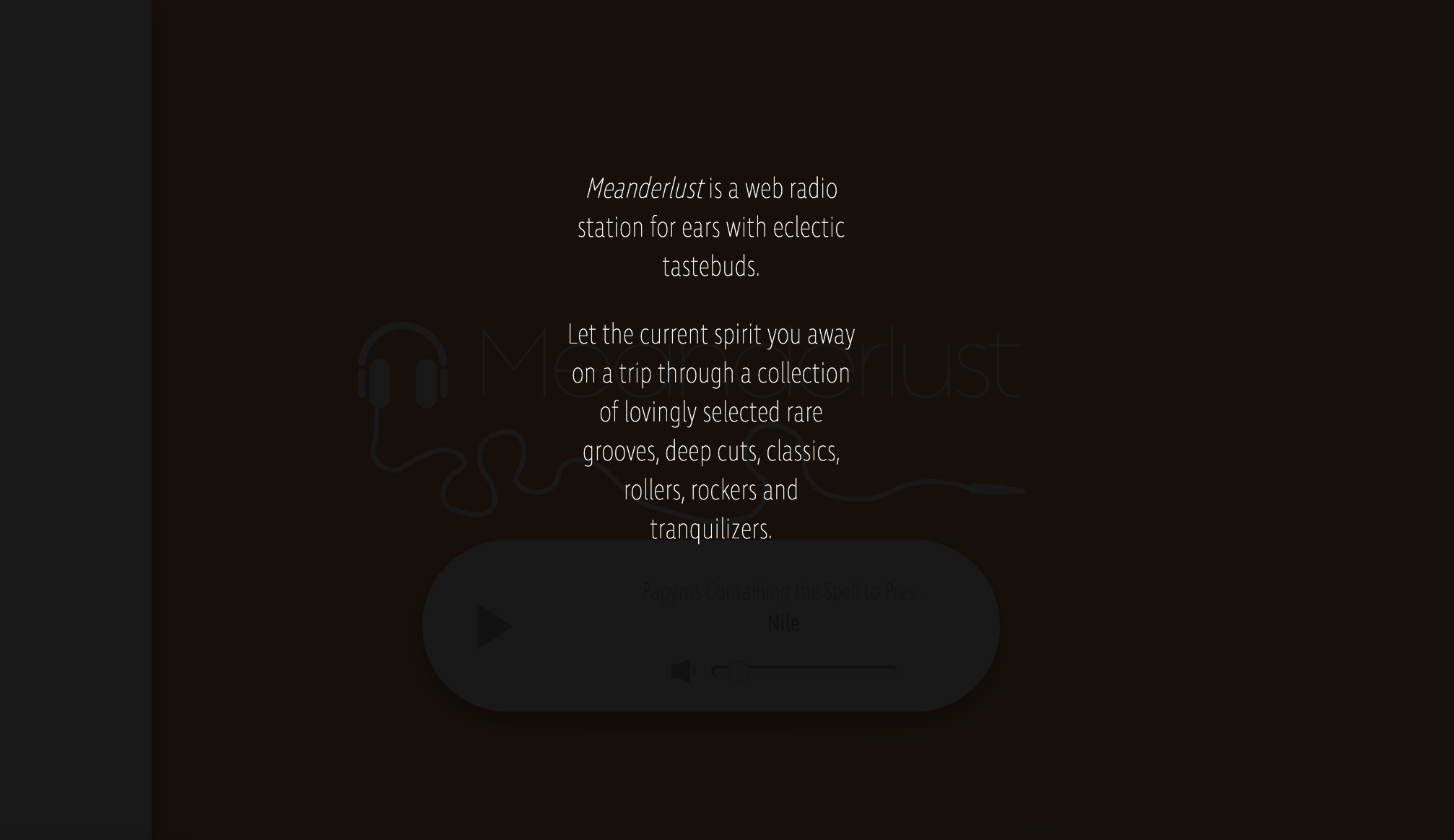
One problem we faced was that the artist names and song titles were often formatted incorrectly, sometimes in all caps or all lowercase. To resolve this, I wrote a title case function in JavaScript which capitalises the first letter of the first word and the first letter of every word that doesn’t match against a list of minor words.
For example,
// returns “Papyrus Containing the Spell to Preserve Its Possessor Against Attacks from He Who Is in the Water” (Yes, this is a real song title).
The code for this can be found below. Feel free to utilise it in your own projects.
// Title Case Function
function titleCase(title) {
var minorWords = ['a','an','and','as','at','but','by','en','for','if','in','nor','of','on','or','per','the','to','v.','vs.','via' ‘from’];
var lowerCaseArr = title.toLowerCase().split(' ');
for (var i = 0; i < lowerCaseArr.length; i++) {
if (minorWords.includes(lowerCaseArr[i]) == false)
{
lowerCaseArr[i] = lowerCaseArr[i].charAt(0).toUpperCase() +
lowerCaseArr[i].slice(1);
}
}
var joinedSentence = lowerCaseArr.join(' ');
return joinedSentence.charAt(0).toUpperCase() +
joinedSentence.slice(1);
};